
I’ll be honest — I never thought I’d leave paper planners behind. After my second child was born, I was constantly juggling lists, scribbled notes, and pages I forgot to open. My paper planner was beautiful… but it often sat unused because life moved too quickly.
That’s when I tried digital planning. At first, it felt intimidating — all those apps, hyperlinks, and files. But soon I realized it wasn’t about abandoning paper. It was about giving myself a flexible space where my planner could grow with me. Today, I still keep a journal on paper, but digital planning is what keeps me present and organized.
This post contains affiliate links, which means I may earn a small commission if you choose to purchase through my links — at no extra cost to you. I only recommend tools I genuinely love and use myself.
Paper planners are wonderful for slowing down, reflecting, and putting pen to paper. But sometimes:
- Pages don’t match the season you’re in.
- You forget to carry your planner with you.
- Life changes faster than the structure on the page.
If you’ve ever felt guilt for not “keeping up” with your planner, you’re not alone. It isn’t you — it’s the system.
🌿 The Gentle Alternative: Digital (or Hybrid) Planning
Digital planning doesn’t replace paper. It complements it. Think of it as adding rhythm and flexibility:
- Undo button for mistakes.
- Infinite pages without extra weight.
- Syncs across tablet and phone.
- Works with a stylus, so you can still write by hand.
For me, hybrid planning — using both paper and digital — was the bridge. My reflections live in paper journals, but my schedule and tasks live digitally.
📝 4 Beginner Steps to Start Digital Planning
Ready to try? Here’s how to start without overwhelm:
- Download a Planner File
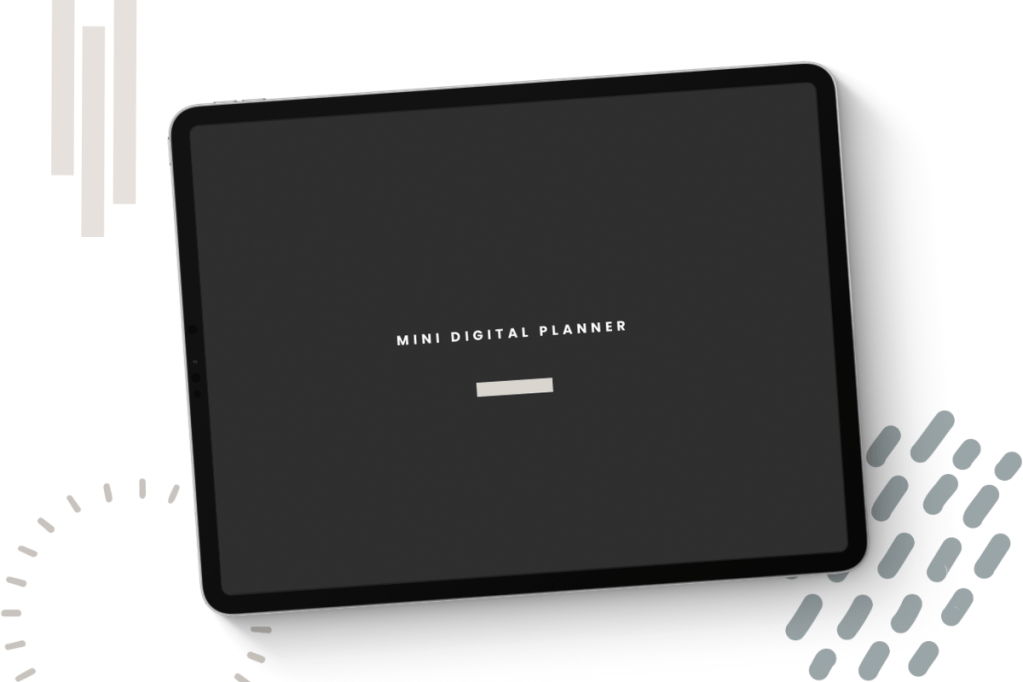
- 👉 Start with our Free Mini Digital Planner — it’s a gentle introduction.
- Choose an App
- GoodNotes (iOS) or Notability (iOS)
- Noteshelf (Android)
- Xodo (Windows/Android)
- Import and Explore
- Import the PDF file into your app of choice. Open the daily or weekly page and try writing with your stylus.
- Test the Links
- Tap the navigation bar — “Daily,” “Weekly,” or “Inserts.”
In the Mini Digital Planner freebie, only a few links are active, but it gives you a taste of how seamless it feels.
If you’re curious about digital planning, here are the exact tools I recommend (and use myself):
- iPad + Apple Pencil — lightweight and smooth for handwriting.
- GoodNotes App — the most beginner-friendly.
- Digital Stickers — optional, but make planning more fun.
✨ Ready to try it for yourself? Download the Free Mini Digital Planner here.
If you enjoy the mini planner, here’s your next gentle step:
• Starter Digital Kit →a few pages to test before you commit.
• Hyperlinked Digital Planner → the full, seamless experience.
Your planning system doesn’t have to be rigid — it can grow with you.
Switching to digital planning isn’t about leaving paper behind. It’s about releasing the guilt of unfinished pages and giving yourself tools that move with your life. Whether you stay hybrid or go fully digital, the goal is the same: to plan with grace, not pressure.
✨ Start today with our Free Mini Digital Planner.
📌 Save this for later!


 Graceful Planner Co
2 thoughts on “Switching From Paper to Digital Planning: A Gentle Guide for Beginners”